
Google Wallet in the Philippines, Which Phones and Cards Work Best?
There is a reason Google Wallet is getting more attention in the Philippines right now. It is no longer just a feature people read about in overseas tech blogs. Google’s official support pages list the Philippines as a country where Google Wallet and tap to pay are supported, which means local users can now start treating contactless mobile payments as a real part of everyday life.
That shift matters. For years, many people in the Philippines leaned on cash, physical cards, QR payments, or mobile wallets tied to specific apps. Google Wallet adds another layer to that mix. For Android users with the right phone and a supported card, it offers a faster way to pay in stores, travel lighter, and keep payment details behind a secure device instead of a card you have to pull out each time. Google says tap to pay requires an Android phone with NFC and a supported payment method, plus the usual security basics such as screen lock.
So which phones and cards work best?
The simplest answer is this: the best setup is not always the most expensive one. It is the combination that checks every requirement cleanly. That usually means an Android phone with NFC, current software, dependable local support, and a card from a bank or provider that Google officially supports in the Philippines.
Why Google Wallet suddenly feels more relevant in the Philippines
A new payment feature only becomes useful when it fits real habits. In the Philippines, people are already comfortable with digital transactions. What makes Google Wallet timely is that it adds convenience to in-store purchases for users who already rely on Android phones and prefer fewer items in their pockets or bags.
Google’s support documentation confirms that the Philippines supports tap-to-pay via Google Wallet. That puts local users in a better position to use their phone for contactless transactions, not just for storing passes or cards.
For readers, that makes this less of a “future tech” topic and more of a practical buying and setup question:
- Does my phone support it?
- Is my card accepted?
- Which brands make setup easier?
- Is it worth upgrading for?
Those are the questions that matter more than hype.
What your phone needs before Google Wallet can work properly
This is the part people skip, and it is usually where problems start.
Google says you need an Android phone with NFC to make contactless payments with Google Wallet. No NFC means no tap-to-pay. Full stop. Google also notes that support depends on having a supported payment method in your country.
That means the best Google Wallet phone is not simply the newest Android device on the shelf. It is the one with:
- NFC support is clearly listed in the specs
- Android 9 or later
- Secure screen lock enabled
- Active support for Google Wallet in your region
- Good software stability for banking and payment apps
If you are shopping for a new phone in the Philippines, NFC should rank much higher on your checklist than it used to.
Which phones work best for Google Wallet in the Philippines?
The strongest choices are phones officially sold in the Philippines with NFC clearly listed on their official product pages. That matters because some models vary by region, and a phone line that has NFC abroad may not always match the exact local version.
OPPO Reno13 5G
OPPO’s Philippines specs page for the Reno13 makes it a strong Google Wallet candidate because it is a current Android phone from a major brand with local support, and the model is listed on OPPO’s PH site. That gives buyers more confidence than relying on reseller pages or third-party listings.
Why it stands out:
- Current model
- Easy-to-find local support
- Good fit for buyers who want a mainstream Android phone from a familiar brand
OPPO Reno13 Pro 5G
If you want a more premium option in the same family, the Reno13 Pro is another solid pick. Like the Reno13, it is sold through OPPO Philippines and is part of a line aimed at buyers who want newer software experiences, strong hardware, and reliable brand support. For people who want a more polished flagship-style feel without going straight to the ultra-premium tier, it is an appealing choice.
Redmi Note 14 Pro 5G
This is one of the more practical picks for buyers who want better value. Xiaomi’s support content for the Philippines specifically states that the Redmi Note 14 Pro 5G supports NFC. That makes it a strong mid-range contender for people who want Google Wallet readiness without paying premium-brand prices.
Why it stands out:
- Mid-range pricing tier
- NFC support confirmed in official Xiaomi support content
- Good fit for budget-conscious buyers who still want contactless payments
Samsung Galaxy phones with NFC
Samsung remains one of the safest brand bets for mobile payments because the company has a large local footprint and extensive support resources. Samsung Philippines also has official support documentation addressing NFC issues on Galaxy devices, which is useful if you run into setup problems later. Still, buyers should verify the exact model because NFC support can vary by device.
Why Samsung is still a smart bet:
- Strong local availability
- Familiar support experience
- Wide range of price points from entry to flagship
So, which phone is the smartest pick?
If you want the most balanced answer, here it is:
- Best for overall confidence: Samsung Galaxy model with confirmed NFC
- Best for stylish mainstream Android users: OPPO Reno13 5G
- Best value choice: Redmi Note 14 Pro 5G
- Best premium-feel Android option in this list: OPPO Reno13 Pro 5G
The most important reminder is this: do not buy a phone for Google Wallet based solely on brand. Buy it based on confirmed NFC support and official local specs.
Which cards work best with Google Wallet in the Philippines?
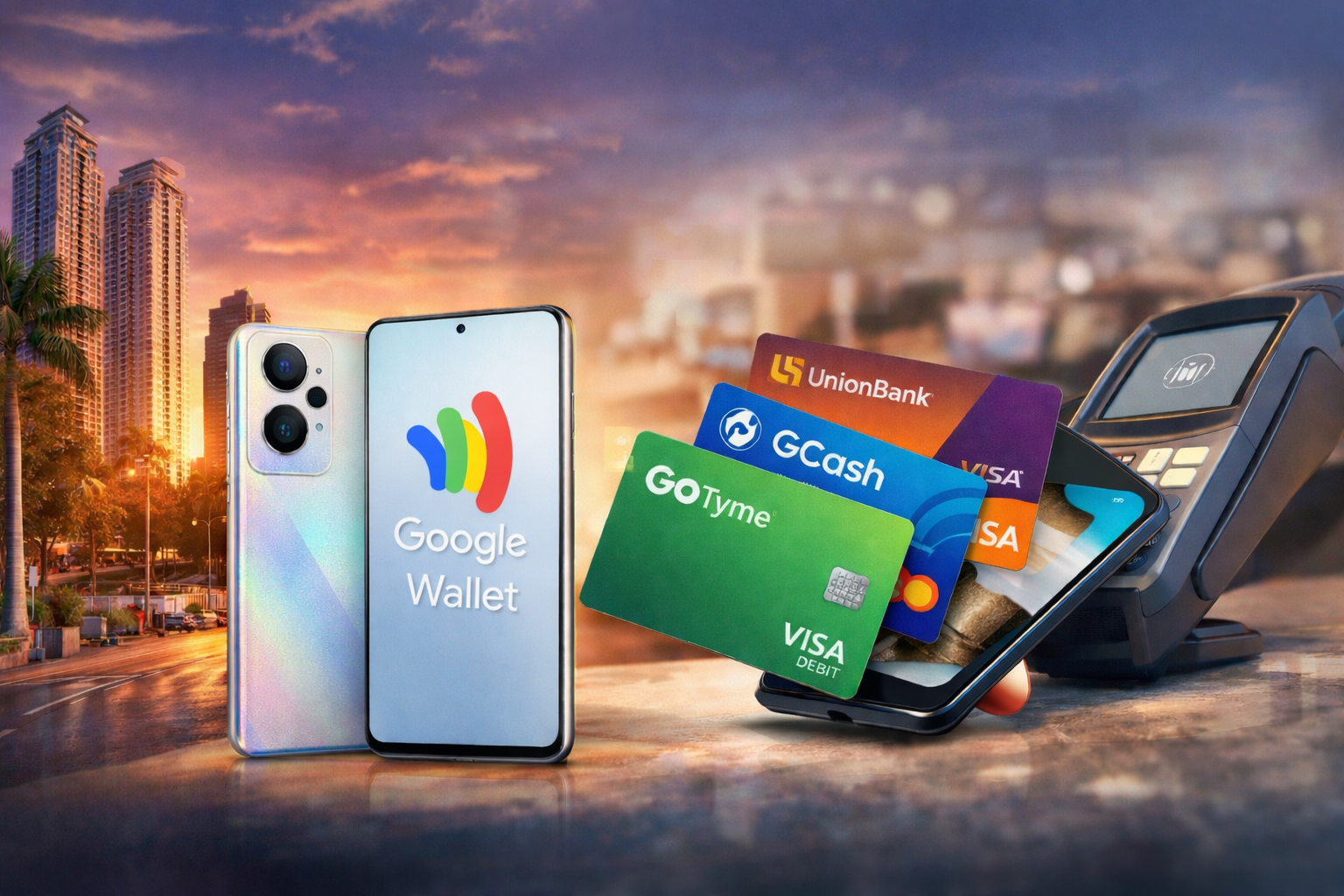
Google’s official support page for the Philippines lists supported payment methods by issuer. That list matters more than assumptions, because even a great NFC phone will not help much if your card isn’t supported. According to Google’s country-specific Wallet support page, supported options in the Philippines include cards from issuers such as China Banking Corporation, EastWest, GCash, GoTyme Bank, Maya Bank, RCBC, UnionBank, Wise Pilipinas, and Zed Financial PH. Supported card types vary by issuer and may include Visa credit, Visa debit, Mastercard credit, Mastercard debit, or prepaid Visa.
Best card options for real-world use
GoTyme Visa Debit
This is one of the strongest practical picks for everyday users. Google lists GoTyme Bank Corporation Visa debit cards as supported in the Philippines. For readers who want simple spending control and easy daily use, a supported debit card often feels more approachable than starting with credit.
UnionBank Visa
UnionBank has a strong local digital-first reputation, and Google lists UnionBank Visa cards as supported. That makes it a smart option for users who already bank digitally and want a smoother path into mobile payments.
GCash Mastercard Debit
This one is especially relevant in the Philippines because GCash is already familiar to many users. Google’s support page lists GCash Mastercard debit cards among the supported methods, which gives users another route into contactless phone payments through a service they may already use.
Chinabank Visa Credit or Debit
Google lists China Banking Corporation Visa credit and Visa debit cards as supported. That flexibility is useful for users who prefer a more traditional bank relationship but still want Google Wallet compatibility.
Wise Pilipinas Visa Prepaid
For freelancers, travelers, or users dealing with international payments, Wise Pilipinas Visa prepaid support makes this an especially interesting option. It adds a practical angle for people whose spending goes beyond simple local purchases.
The combination that works best for most users
For the average Android user in the Philippines, the best setup is probably this:
An NFC-ready Android phone from a major local brand, plus a supported Visa or Mastercard from Google’s official Philippines list.
That setup gives you the best chance of:
- fast initial setup
- fewer card verification problems
- a smoother checkout experience
- easier support if something goes wrong
FAQs About Google Wallet in the Philippines
Is Google Wallet officially available in the Philippines?
Yes. Google’s official support pages list the Philippines as a supported country for Google Wallet and tap-to-pay.
Does every Android phone work with Google Wallet?
No. Google says you need an Android phone with NFC for contactless payments. If your phone does not have NFC, tap-to-pay will not work.
Do I need a new phone to use Google Wallet?
Not necessarily. If your current Android phone has NFC, runs supported software, and can use secure screen lock, you may not need to upgrade. The bigger issue is often card support, not phone age alone.
Which phone brand is the safest bet for Google Wallet?
Samsung is often a safe overall pick thanks to its broad local presence and support network, but OPPO and Xiaomi also have strong options with confirmed NFC availability in the Philippines. The best move is to verify the official specs of the exact model before buying.
Which cards currently work with Google Wallet in the Philippines?
Google’s official list includes supported cards from issuers such as Chinabank, EastWest, GCash, GoTyme, Maya Bank, RCBC, UnionBank, Wise Pilipinas, and Zed Financial PH. Card type support varies by issuer.
Is GCash supported on Google Wallet?
Yes, Google’s Philippines support page lists GCash Mastercard debit cards as supported payment methods.
What is the best card for most Filipino users?
GoTyme Visa Debit, UnionBank Visa, and GCash Mastercard Debit are among the most practical options because they match familiar local services and are listed on Google’s official support page for the Philippines.
What is the biggest mistake people make when setting up Google Wallet?
The most common mistake is assuming any Android phone or any bank card will work. In reality, you need both NFC on the phone and a supported issuer or card type.
Why this matters now
Google Wallet in the Philippines is one of those features that becomes more useful the more practical it gets. It is no longer just a nice extra on a spec sheet. It is starting to influence how people compare phones, banks, and daily payment habits.
For readers choosing a new device, the best question is not “Which phone is the most powerful?” It is “Which phone will actually make my day easier?” Right now, that points to phones with confirmed NFC, stable Android support, and a card issuer already recognized by Google in the Philippines.
That is the smart way to shop for Google Wallet today: less hype, more compatibility, and a setup that works when you are standing at the checkout counter.
Resources
- Google. (n.d.). Find supported payment methods – Philippines. Google Wallet Help. https://support.google.com/wallet/answer/12059326?co=GENIE.CountryCode%3DPH&hl=en
- Google. (n.d.). Supported countries for Google Wallet & tap to pay. Google Wallet Help. https://support.google.com/wallet/answer/12060037?hl=en
- OPPO. (n.d.). OPPO Reno13 specs. OPPO Philippines. https://www.oppo.com/ph/smartphones/series-reno/reno13/specs/
- Xiaomi. (n.d.). Redmi Note 14 Pro 5G FAQ. Xiaomi Philippines. https://www.mi.com/ph/support/faq/details/KA-521445/
- Xiaomi. (n.d.). Redmi Note 14 Pro 5G specs. Xiaomi Philippines. https://mobile.mi.com/ph/product/redmi-note-14-pro-5g/specs/


latest video

news via inbox
Nulla turp dis cursus. Integer liberos euismod pretium faucibua